
BMO Play Along Puzzle Adventure
Reviews
About this game
Game Introduction
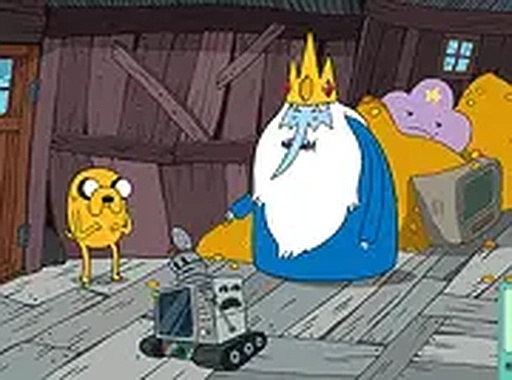
BMO Play Along Puzzle Adventure is a point-and-click puzzle game set in the whimsical world of the Adventure Time animated series. Players take on the role of BMO, a friendly robot, and explore a familiar treehouse to locate hidden video game cartridges. Each cartridge discovered unlocks a new mini-game, adding variety and replayability. The game is designed for all ages and offers a safe, engaging experience directly in your browser with no downloads required. Fans of Adventure Time will enjoy exploring colorful locations and interacting with objects in a gentle, puzzle-focused adventure.
How to Play
Players use their mouse or finger to click on objects and points of interest within the treehouse environment. The goal is to thoroughly explore every area to find hidden game cartridges. Some cartridges may require combining items or solving simple puzzles to reach them. Each found cartridge unlocks a new mini-game to play. The game works on desktop and mobile browsers, and full screen mode is available for a better view. Controls are simple: point, click, and explore at your own pace.
Game Features
Explore the colorful Land of Ooo from the Adventure Time universe. Unlock hidden mini-games as you progress through the adventure. Solve point-and-click puzzles that are easy to understand and family-friendly. The game runs directly in your browser without any downloads or installations. It is compatible with both desktop and mobile devices, allowing play anywhere. The experience is designed to be safe for children and suitable for short play sessions.
Tips for Success
Take your time exploring every corner of the treehouse, as hidden cartridges may be tucked away in unexpected places. Pay close attention to objects that can be interacted with, as some puzzles require combining items to progress. If you get stuck, try clicking on everything in the area to discover clues. The mini-games offer a fun break from the main adventure, so enjoy them as a reward for your exploration. Playing in full screen mode can help you see details more clearly.
Leave a Comment