
Arena Tactics Defense
Reviews
About this game
Game Introduction
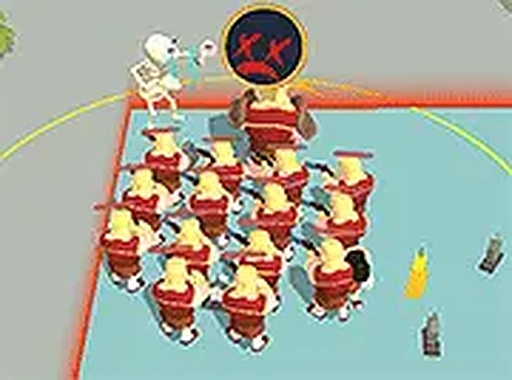
Arena Tactics Defense is a medieval arena game that places you in the role of a fighter competing for survival. Your main goal is to overcome opponents, gather their energy, and use that energy to enhance your abilities. The game takes place in various arenas where multiple challengers may attack at once. You must stay aware of your surroundings to avoid being overwhelmed. Boosters are available to help you during tough encounters. As you win matches, you can buy new equipment to improve your chances. The game is free to play and runs directly in your browser on desktop computers. It supports full screen mode for a more focused experience. Designed for keyboard and mouse, it offers simple controls with strategic depth.
How to Play
To play Arena Tactics Defense, use your keyboard or mouse to move your character around the arena. Attack enemies by pressing the appropriate keys or clicking. Collect energy that appears after defeating foes. This energy boosts your strength and helps you survive longer. Watch for multiple enemies that may try to surround you. Use booster items when you need extra help. As you progress, visit the shop to purchase new gear. Each item has different strengths, so choose wisely. The game is easy to learn but requires practice to master. Play in full screen for a better view of the arena.
Game Features
Game features include arena combat against multiple enemies. Energy collection allows you to increase your power. Booster items provide temporary advantages during encounters. Gear upgrades let you buy new equipment as you advance. Full screen mode offers an immersive experience. The game is free and works in any modern browser on desktop.
Tips for Success
To succeed in Arena Tactics Defense, stay mobile and avoid being cornered by enemies. Prioritize collecting energy after each victory to grow stronger. Use boosters strategically during difficult fights. Save your resources to purchase the best gear available. Practice your timing and positioning to handle multiple opponents. Learn enemy patterns to anticipate their attacks. With patience and practice, you can conquer the arena.
Leave a Comment