
Relic Recovery Puzzle Adventure
Reviews
About this game
Game Introduction
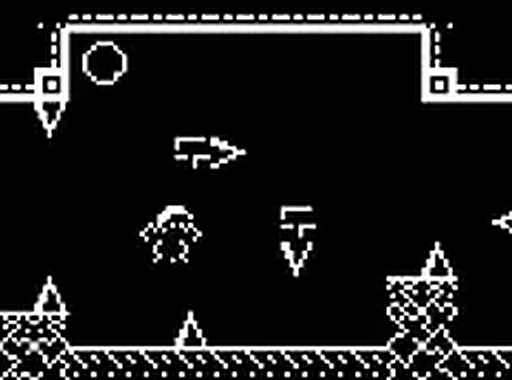
Relic Recovery Puzzle Adventure is a lighthearted browser-based puzzle game that follows Roy Webb, a self-described couch potato who treasures his collection of old relics. One day, a strong gust of wind sweeps his beloved items outdoors, forcing Roy to leave his comfort zone and retrieve them before someone else finds and sells them. The game offers a charming pixel art style, a humorous storyline, and engaging puzzles that appeal to players of all ages. As Roy, you explore various outdoor environments, solve puzzles, and overcome obstacles to reunite him with his prized possessions. The game runs smoothly in your browser on desktop, providing hours of fun without any downloads or installations. Its simple premise and cheerful tone make it an accessible choice for casual gamers and puzzle enthusiasts alike.
How to Play
To play Relic Recovery Puzzle Adventure, use your keyboard and mouse on a desktop computer. Navigate Roy through different outdoor areas by using the arrow keys or WASD to move. Interact with objects and characters by clicking on them with your mouse. Your goal is to find and collect all of Roy's scattered items, which are hidden in various locations. Keep an eye out for clues and helpful items that can assist you in your quest. The game features intuitive controls and a user-friendly interface, making it easy for players of all skill levels to jump right in. Play in full-screen mode for a more immersive experience.
Game Features
Pixel graphics create a nostalgic and charming visual style. An engaging storyline with a humorous premise keeps players motivated. The game is free to play and browser-based, requiring no downloads or installations. Full-screen mode is available for an immersive experience.
Tips for Success
Take your time exploring each area thoroughly, as items may be hidden in unexpected places. Pay attention to environmental clues and dialogue from characters you meet. Use the full-screen mode to better see details. If you get stuck, try interacting with all objects in a scene—sometimes a simple click reveals a hidden path or item. Practice moving Roy carefully to avoid obstacles and conserve time.
Leave a Comment